Change Log

Follow new updates and improvements to ShoeCatch.

January 26th, 2026

New

Improved

Fixed

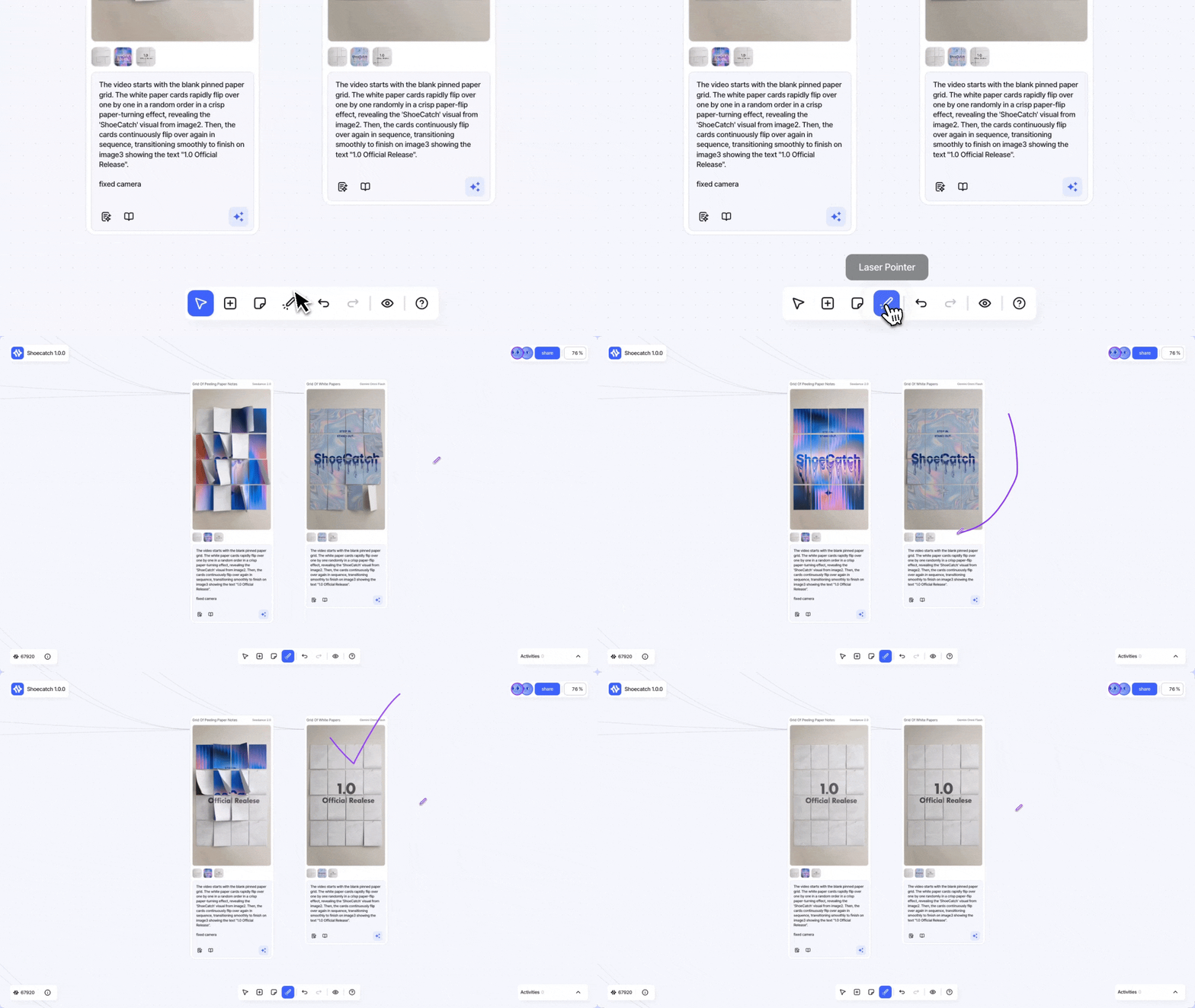
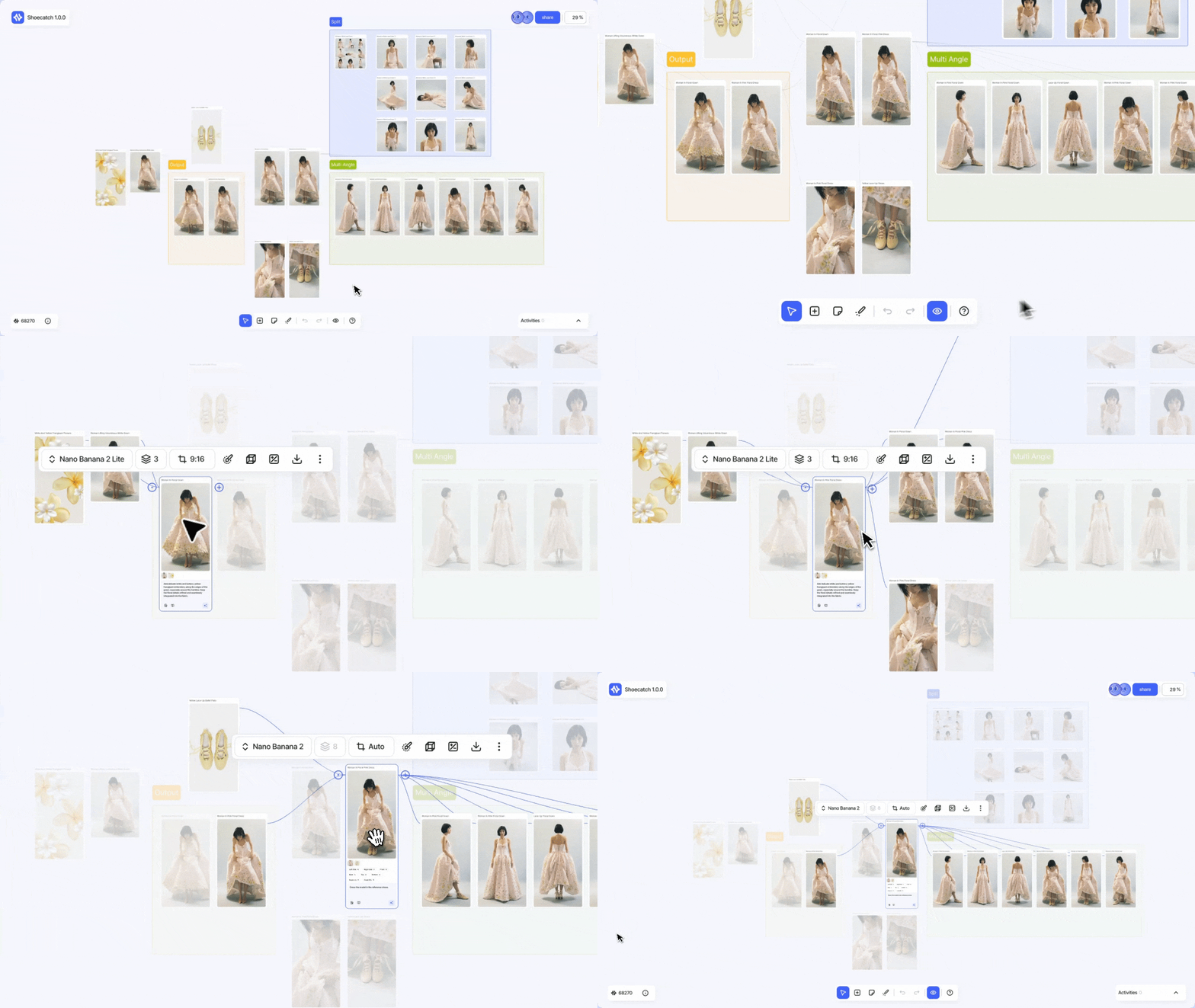
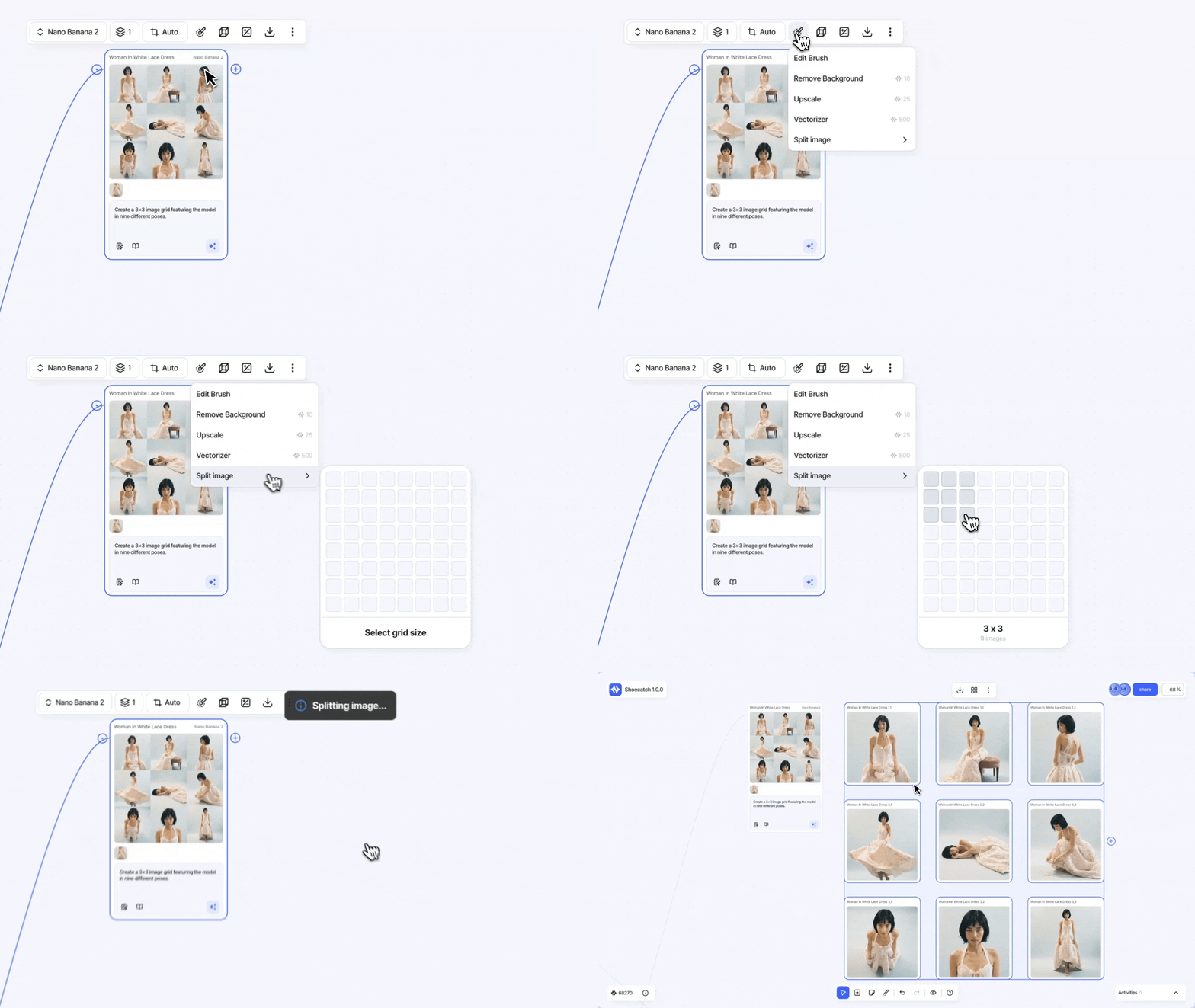
Edit Brush is now available, and overall canvas editing has been improved across title editing, keyboard shortcuts, and the right-click context menu.

✨ New

  • Edit Brush

    • We rebuilt the Lasso-based “select region → prompt edit” flow.

    • Paint to select, then add prompts to quickly remix your ideas.

    • Highlights

      • Per-color prompt input

      • Edit multiple regions at once

      • Works with all AI engines

⚡️ Improvements

  • Title editing

    • Updated the edit interaction from click to double-click.

    • Applies to

      • Canvas title

      • Group nodes / Images / Videos

    • Extra behavior

      • Drag the title area to move it.

  • Added image size details to each card in My Activity.

  • Keyboard shortcuts: Improved Shift-modifier drag behaviors

    • Shift + drag on empty canvas → multi-select box

    • Shift + drag a node/selection → axis-locked drag (horizontal/vertical)

    • Shift + click → toggle selection

  • Added the right-click context menu UI and interactions

    • Right-click on a node or empty canvas to see context-aware actions.

🛠️ Fixes

  • Optimized the hover area between nodes and the floating menu

    • Hover effects no longer flicker or over-trigger when hovering near or over overlapping nodes.

Edit Brush 기능이 추가되었고, 타이틀 편집/단축키/컨텍스트 메뉴 등 캔버스 편집 경험이 전반적으로 개선되었습니다.

✨ New

  • Edit Brush 기능

    • 기존 Lasso 기반 “부분 선택 → 프롬프트 수정” 흐름을 새롭게 개편했습니다.

    • 그리듯 선택하고, 프롬프트를 더해 아이디어를 가볍게 변형해보세요.

    • 주요 기능

      • 컬러별 개별 프롬프트 입력

      • 여러 영역을 한 번에 수정

      • 모든 AI 엔진에서 사용 가능

⚡️ Improvements

  • 타이틀 편집 기능

    • 클릭 → 더블클릭 편집 UX로 변경했습니다.

    • 적용 범위

      • 캔버스 타이틀

      • 그룹 노드 / 이미지/ 비디오

    • 추가 동작

      • 타이틀 영역을 드래그하면 이동됩니다

  • My Activity 각 카드에 이미지 크기 정보 표시 기능 추가

  • Keyboard shortcuts: Shift 키 조합 드래그 동작을 개선

    • Shift+빈 캔버스 드래그 → 멀티 선택 박스

    • Shift+노드/선택영역 드래그 → 축 제한(수평/수직) 드래그

    • Shift+클릭 → 선택 토글

  • 우클릭 컨텍스트 메뉴 UI 및 기능 구현

    • 노드/빈 화면에서 우클릭 시 맥락에 맞는 메뉴를 제공합니다.

🛠️ Fixes

  • 노드와 플로팅 메뉴 사이의 호버 영역 최적화

    • 이제 인접하거나 겹친 노드에 마우스를 올려도 과도한 호버링 효과가 발생하지 않습니다.

January 13th, 2026

New

Improved

Fixed

Canvas grid snap and dot-grid alignment have been refined, with three new keyboard shortcuts added. We also improved overlapping generation issues, group node title behavior, and fixed a Tidy up alignment bug.

✨ New

  • Refined canvas grid snap & dot-grid alignment

    • Cleaner grid snapping for generate / paste / drag / resize.

    • Improved alignment and correction for the canvas dot-grid background.

  • New keyboard shortcuts

    • F: Zoom to selection from a drag-selected area

    • Shift + Drag: Constrain node movement to horizontal/vertical axes only

    • Arrow keys: Move selected nodes with the keyboard

⚡️ Improvements

  • Prevent overlapping results in Background / Upscale

    • Improved behavior so background and upscale outputs no longer stack on top of each other.

  • Group node title polish

    • Group titles now stay a fixed size regardless of canvas zoom.

    • Updated the border styling for group node titles.

  • Stable titles for Remove Background / Upscale outputs

    • Node titles are now kept consistent without requesting an AI-generated title—titles are set directly by Remove Background or Upscale.

🛠️ Fixes

  • Tidy up alignment bug

    • Fixed an issue where alignment drifted from the third row onward, ensuring a clean, even layout across the canvas.

캔버스 그리드 스냅/도트 그리드 정렬이 보정되었고, 단축키 3종이 추가되었습니다. 또한 생성 겹침, 그룹 노드 타이틀, Tidy up 정렬 오류가 개선/수정되었습니다.

✨ New

  • 캔버스 그리드 스냅 & 배경 도트 그리드 정렬 보정

    • 생성/붙여넣기/드래그/리사이즈 시 그리드 스냅이 더 깔끔하게 맞춰집니다.

    • 캔버스 배경 도트 그리드 표시의 정렬/보정이 반영되었습니다.

  • 단축키 추가

    • F: 드래그 선택 영역을 화면에 맞게 확대(Zoom to selection)

    • Shift + 드래그: 노드 드래그 중 상/하/좌/우 축 이동만 가능

    • 방향키: 선택한 노드를 키보드로 이동 가능

⚡️ Improvements

  • Background / Upscale 생성 겹침 방지

    • background, upscale 결과가 서로 겹쳐 생성되던 현상을 개선해 겹치지 않도록 변경했습니다.

  • 그룹 노드 타이틀 UX 개선

    • 캔버스 줌과 무관하게 타이틀 크기를 고정했습니다.

    • 그룹 노드 타이틀 테두리 디자인을 수정했습니다.

  • 배경제거/업스케일 노드 타이틀명 고정

    • Remove Background / Upscale 실행 시 AI 타이틀 요청 없이, 작업명 기반으로 타이틀이 고정되도록 변경했습니다.

🛠️ Fixes

  • Tidy up 정렬 오류 수정

    • Tidy up 이후 3번째 줄부터 정렬이 흐트러지던 문제를 수정해, 전체가 고르게 정렬되도록 했습니다.

January 7th, 2026

New

Improved

Fixed

Added keyboard shortcuts UI & actions, improved canvas drag + floating menu smoothness/stability, refined prompt-loading UX, and enhanced responsive layouts.

✨ New

  • Keyboard Shortcuts UI & actions (ctrl + /)

    • Ctrl + Enter: Multi-generate

    • H / V: Toggle Hand mode (lock/unlock)

    • Ctrl + Shift + A: Tidy Up

    • Shift + 1: Zoom 100%

    • Shift + 0: Zoom to fit

    • Shift + 1 / Shift + 0 now targets zoom based on the nearest node

  • Hand mode toggle from bottom toolbar (Select/Move)

⚡️ Improvements

  • Smoother node drag performance

  • More stable floating menu positioning while dragging

  • Faster floating menu animation

  • Prompt loading UX refinement

    • Show text skeleton only while Prompt Enhancer is running

    • Disable prompt input while generation is in progress

  • Responsive layout improvements

    • Login / Sign-up / Main page

🛠️ Fixes

  • Fixed awkward layering while dragging (elements no longer hide behind each other unexpectedly)

  • Fixed drag issue after Tidy Up when using Undo/Redo

키보드 단축키 UI/기능이 추가되고, 캔버스 드래그·플로팅 메뉴가 더 부드럽고 안정적으로 개선되었으며, 프롬프트 로딩 UX와 주요 페이지 반응형이 보완되었습니다.

✨ 신규

  • Keyboard Shortcuts UI & 단축키 기능 추가

    • Ctrl + Enter: 다중 생성

    • H / V: 핸드(Hand) 모드 고정/해제

    • Ctrl + Shift + A: Tidy Up

    • Shift + 1: Zoom 100%

    • Shift + 0: Zoom to fit

    • Shift + 1 / Shift + 0 실행 시, 가장 가까운 노드를 기준으로 줌 동작이 잡히도록 개선

  • 하단 툴바 Select/Move 버튼으로 핸드 모드 토글

    • 버튼 클릭만으로 Hand 모드 전환 가능

⚡️ 개선

  • 노드 드래그 이동 성능 최적화

    • 노드 선택 후 드래그 이동 시 버벅임 감소

  • 플로팅 메뉴 위치 안정화

    • 드래그 중에도 플로팅 메뉴가 더 안정적으로 따라오도록 개선

  • 플로팅 메뉴 애니메이션 속도 개선

  • 프롬프트 로딩 UX 개선

    • 프롬프트 인헨서 진행 중에만 텍스트 스켈레톤 표시

    • Generate 실행 후 로딩 중 프롬프트 입력창 비활성화 처리

  • 로그인/회원가입/메인 페이지 반응형 개선

🛠️ 수정

  • 드래그 중 ‘겹침 순서(앞뒤 레이어 순서)’가 어색하던 문제 수정

    • 드래그 중 노드와 플로팅 메뉴가 서로 가려지거나 앞뒤가 바뀌어 보이던 현상 해결

  • Tidy Up 후 Undo/Redo 시 드래그가 안 되던 문제 수정

December 23rd, 2025

New

Improved

Fixed

Added GPT Image 1.5, introduced ShoeCatch notification modals, improved group drop UX, and fixed an intermittent template group-bound issue.

🤖 New Model

  • GPT Image 1.5

    • OpenAI’s latest image model, designed for strong prompt adherence and precise edits.

    • It preserves composition, lighting, and details during edits while applying only the requested changes.

    • Supports up to 4× faster generation based on official guidance.

New

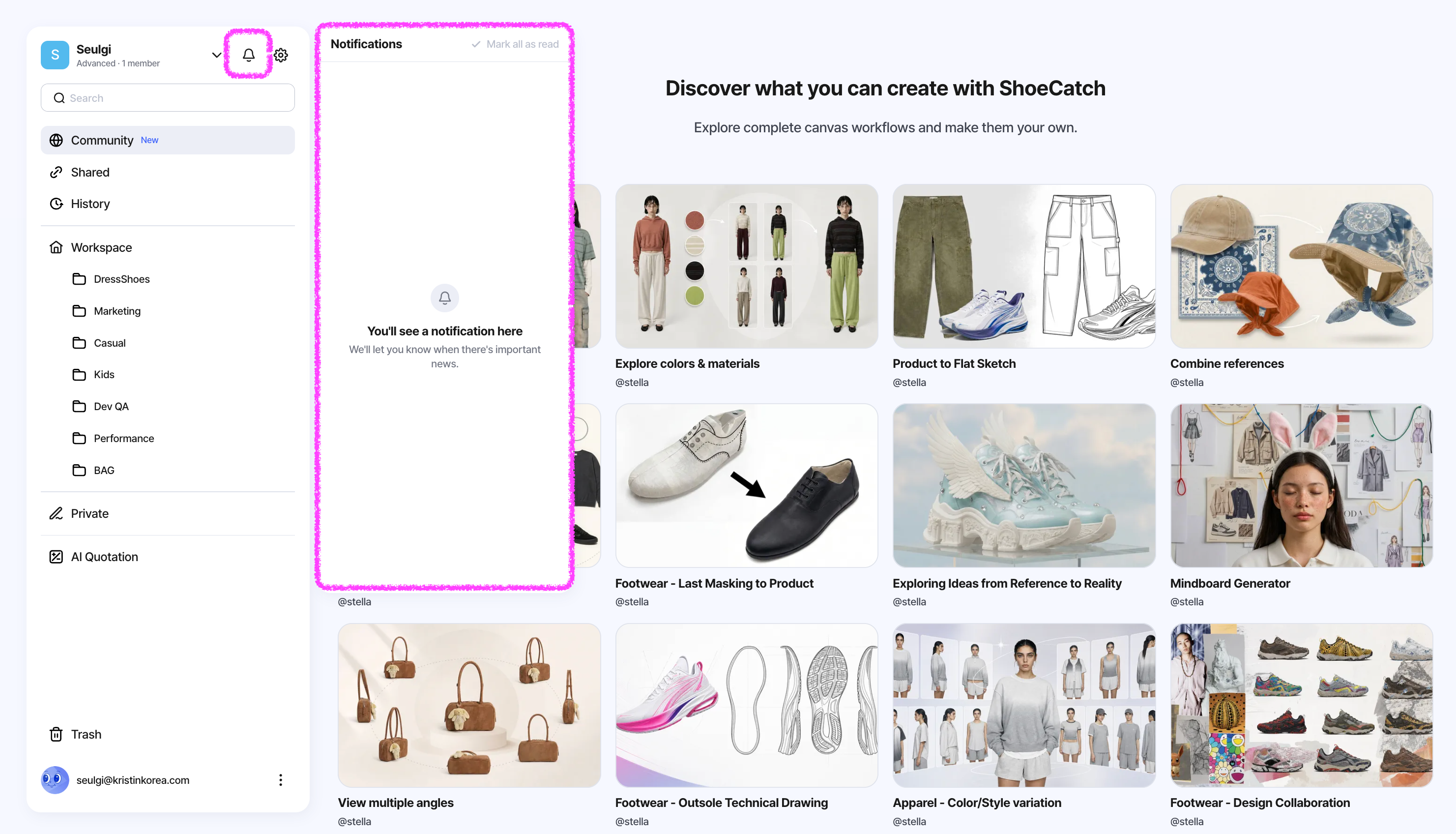
  • Notification Modals

    • Key updates and notices are now shown via modals on the workspace and canvas pages.

  • Double-click media area → Expand View

    • Double-click the media area on a node to open Expand View for a larger, clearer preview.

⚡️ Improvements

  • Highlight on drag-out / drop from a group

    • When moving or dropping an asset outside its group, the group box now highlights to make the drop target clearer.

🛠️ Fixes

  • Fixed incorrect group bounds during template creation

    • Resolved an intermittent issue where template creation could capture an incorrect group area.

GPT Image 1.5 모델이 추가되고, 슈캐치 알림 모달이 도입되었으며, 그룹 드롭 UX와 템플릿 그룹 영역 관련 안정성이 개선되었습니다.

🤖 신규 모델

  • GPT Image 1.5

    • OpenAI의 최신 이미지 모델로, 프롬프트 준수와 정밀 편집에 강점이 있습니다.

    • 편집 시 구도, 조명, 디테일을 보존하면서 요청한 변경만 반영하도록 설계되었습니다.

    • 공식 안내 기준 최대 4× 더 빠른 생성 속도를 지원합니다.

신규

  • 알림 모달

    • 워크스페이스와 캔버스 페이지에서 주요 업데이트/안내를 모달로 확인할 수 있습니다.

  • 노드 미디어 영역 더블클릭 → Expand View

    • 노드의 미디어 영역을 더블클릭하면 Expand View가 활성화되어, 콘텐츠를 더 크게 확인할 수 있습니다.

⚡️ 개선

  • 그룹 외 이동/드롭 시 하이라이트 추가

    • 그룹에 속한 이미지를 그룹 밖으로 이동하거나 드롭할 때, 그룹 박스가 하이라이트되어 드롭 타겟을 더 명확히 확인할 수 있습니다.

🛠️ 수정

  • 템플릿 생성 시 그룹 영역 오류 수정

    • 템플릿 생성 시 간헐적으로 그룹 영역이 잘못 잡히던 문제를 해결했습니다.

December 12th, 2025

New

Improved

Fixed

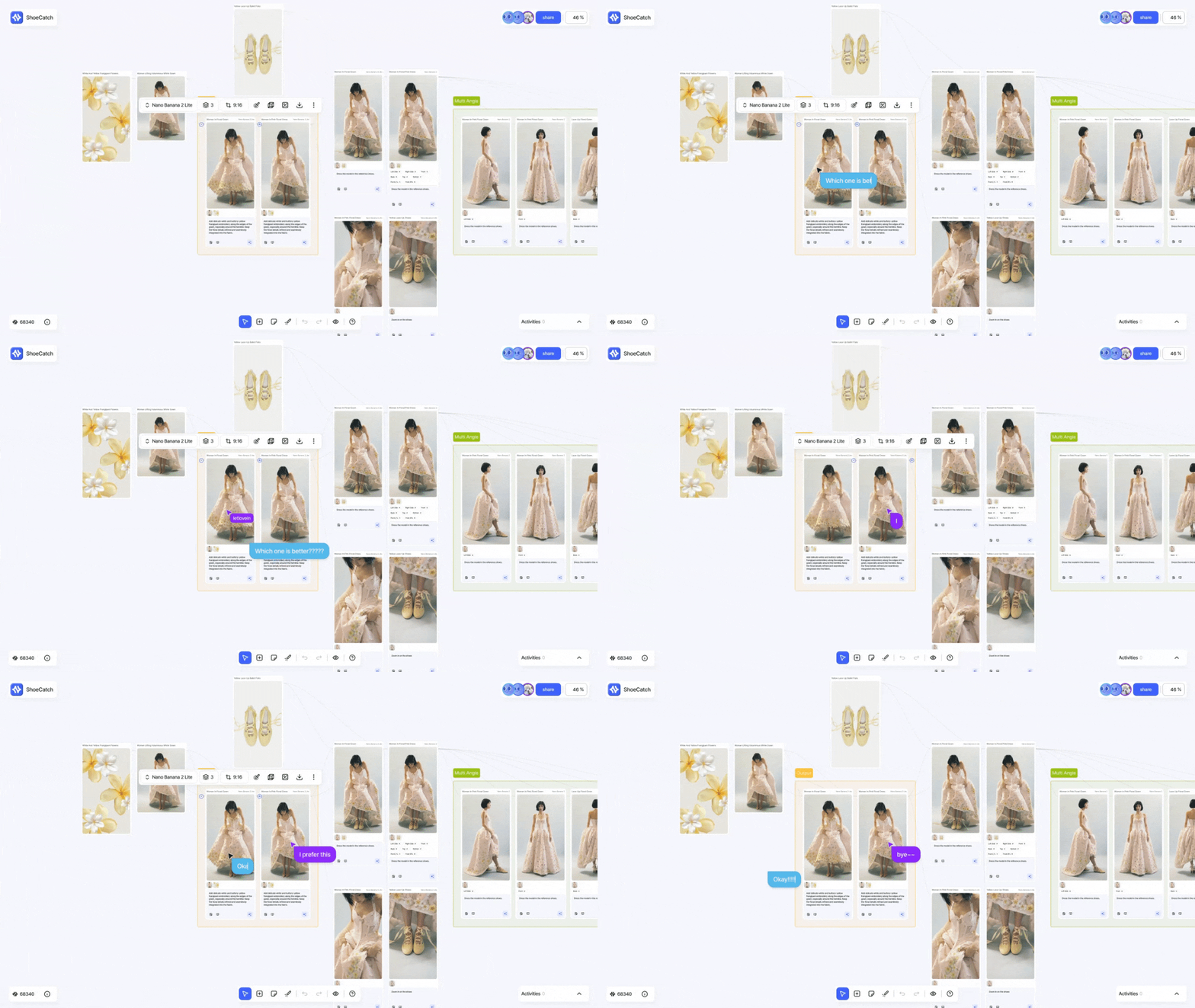
Canvas Link lets you share a canvas via URL (viewable without login on desktop/mobile), enables duplication on desktop, and improves zoom/floating menu stability with key bug fixes.

✨ New

  • Canvas Link Sharing

    • Share your workspace with a simple URL.

    • Anyone with the link can view the workspace without logging in on desktop or mobile.

    • On desktop, viewers can duplicate the workspace into their own.

⚡️ Improvements

  • Floating menu scale lock

    • The floating menu now stays at a consistent 100% scale, regardless of canvas zoom.

  • Auto zoom & focus via My Activity

    • Clicking the My Activity thumbnail (bottom-right) now automatically zooms to 100% and moves to the relevant area.

🛠️ Fixes

  • Fixed floating menu disappearing after multi-select + zoom

    • Fixed an issue where the floating menu disappeared when zooming after selecting many nodes.

  • Improved floating menu persistence during actions

    • When triggering actions from the floating menu after hovering a node, the menu now remains visible even if the cursor leaves the node area, keeping the node active.

Canvas Link로 캔버스를 URL로 공유(PC/모바일 로그인 없이 열람)하고,
PC에서는 복제까지 가능해졌으며 줌/플로팅 메뉴 동작 안정성과 관련 버그가 개선되었습니다.

✨ 신규

  • Canvas Link 공유 기능

    • 내 작업 환경을 URL로 간단히 공유할 수 있습니다.

    • 공유받은 사람은 로그인 없이 작업 환경을 PC/모바일에서 열람할 수 있습니다.

    • 공유받은 사람은 PC에서 해당 작업 환경을 내 워크스페이스로 복제할 수 있습니다.

⚡️ 개선

  • 플로팅 메뉴 스케일 고정

    • 캔버스 확대/축소와 무관하게 플로팅 메뉴 크기를 100%로 유지하도록 개선했습니다.

  • My Activity 클릭 시 자동 줌/이동

    • 캔버스 우측 하단 My Activity 썸네일 클릭 → Zoom 100%로 자동 조정 + 해당 위치로 이동하도록 개선했습니다.

🛠️ 수정

  • 다량 선택 후 줌 시 플로팅 메뉴 사라짐 해결

    • 다량 노드 선택 후 줌인/아웃 시 플로팅 메뉴가 사라지는 문제를 해결했습니다.

  • 플로팅 메뉴 액션 중 노드 활성 상태 유지

    • 노드 Hover 후 플로팅 메뉴에서 액션 중 마우스가 노드 영역을 벗어나도 메뉴가 사라지지 않도록, 노드의 활성 상태를 유지하도록 수정했습니다.

November 24th, 2025

New

Improved

Fixed

This update focuses on improving the canvas workflow, download experience, and price visibility across key features.

🤖 New Model

  • Nano Banana Pro

    • Google’s latest image generation + editing model built on Gemini 3, offering precise control.

    • It supports high-resolution output, making it well-suited for crisp textures and product-level details.

    • It follows fine-grained edit instructions—like lighting, camera angle, and aspect ratio— so you can change only what you ask for.

✨ New

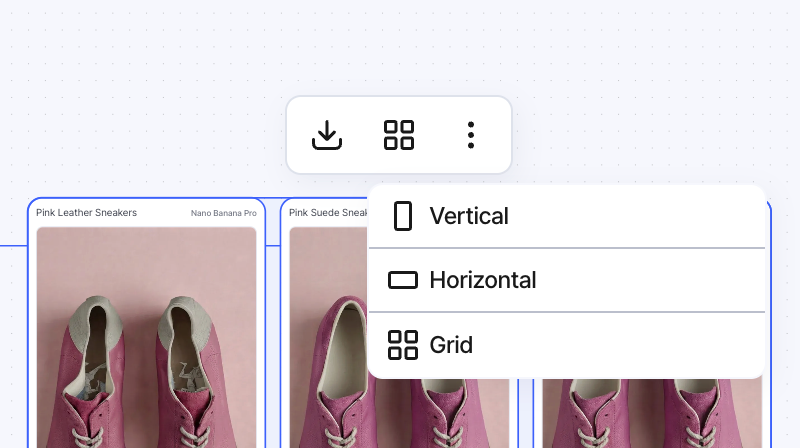
  • Image and video downloads are now bundled into a ZIP file.

  • Windows users now have access to a dedicated update feature.

⚡️Improved

  • When you align nodes, group areas now auto-adjust for a cleaner layout.

  • Undo/Redo actions are now more stable and reliable.

  • Credit pricing is now visible for Background and Upscale features.

🛠️ Fixed

  • Survey-related and AI Quotation bugs have been resolved.

  • Additional QA issues have also been addressed.

We’ll keep refining the experience so you can focus on creating.

Thanks for using Shoecatch!

이번 업데이트에서는 캔버스 사용 흐름과 다운로드, 가격 표시 등 핵심 기능들이 전반적으로 개선되었습니다.

🤖 신규 모델

  • Nano Banana Pro

    • Google의 최신 이미지 생성·편집 모델로, Gemini 3 기반의 정밀한 컨트롤을 제공합니다.

    • 고해상도 출력을 지원해, 소재 텍스처·제품 디테일을 선명하게 표현하는 데 유리합니다.

    • 조명/카메라 앵글/비율 등 세밀한 편집 지시를 잘 따라, 원하는 부분만 바꾸는 타겟 편집에 강합니다.

✨ 신규

  • 이미지·비디오 다운로드 시 ZIP 파일로 묶어서 저장됩니다.

  • Windows 사용자를 위한 업데이트 기능이 추가되었습니다.

⚡️개선

  • 노드 정렬 시, 그룹 영역이 자동으로 알맞게 조정됩니다.

  • Undo/Redo 동작이 더 안정적으로 개선되었습니다.

  • Background/Upscale 기능의 크레딧 가격이 표시됩니다.

🛠️ 수정

  • 설문조사 및 AI Quotation 관련 오류가 해결되었습니다.

  • 기타 QA에서 확인된 여러 문제들도 함께 수정되었습니다.

더 편안한 디자인 경험을 위해 계속 개선해 나가겠습니다.

사용해주셔서 감사합니다.

November 19th, 2025

New

Improved

We’re excited to share the first beta version with you.

✨ NEW
  • New users receive 200 free credits to explore ShoeCatch

  • Added UI to display user credit balance

  • New onboarding and tutorial flow added for a smoother first-time experience

Improved
  • Improved search and analysis logic in AI Quotation

  • Automatic credit deduction and UI update upon AI generation completion

더 나은 신발 디자인 경험을 위한 슈캐치 첫 베타를 공개합니다.

✨ 신규

  • 신규 가입 사용자에게 200 크레딧이 자동 제공됩니다.

  • 현재 보유 크레딧을 한눈에 볼 수 있는 UI가 추가되었습니다.

  • 처음 사용하는 분들을 위한 온보딩·튜토리얼 흐름이 새롭게 개선되었습니다.

⚡ 개선

  • AI Quotation의 검색 및 분석 로직이 더 정확하게 동작하도록 개선되었습니다.

  • 생성 완료 시 크레딧이 자동 차감되고, UI도 즉시 반영됩니다.